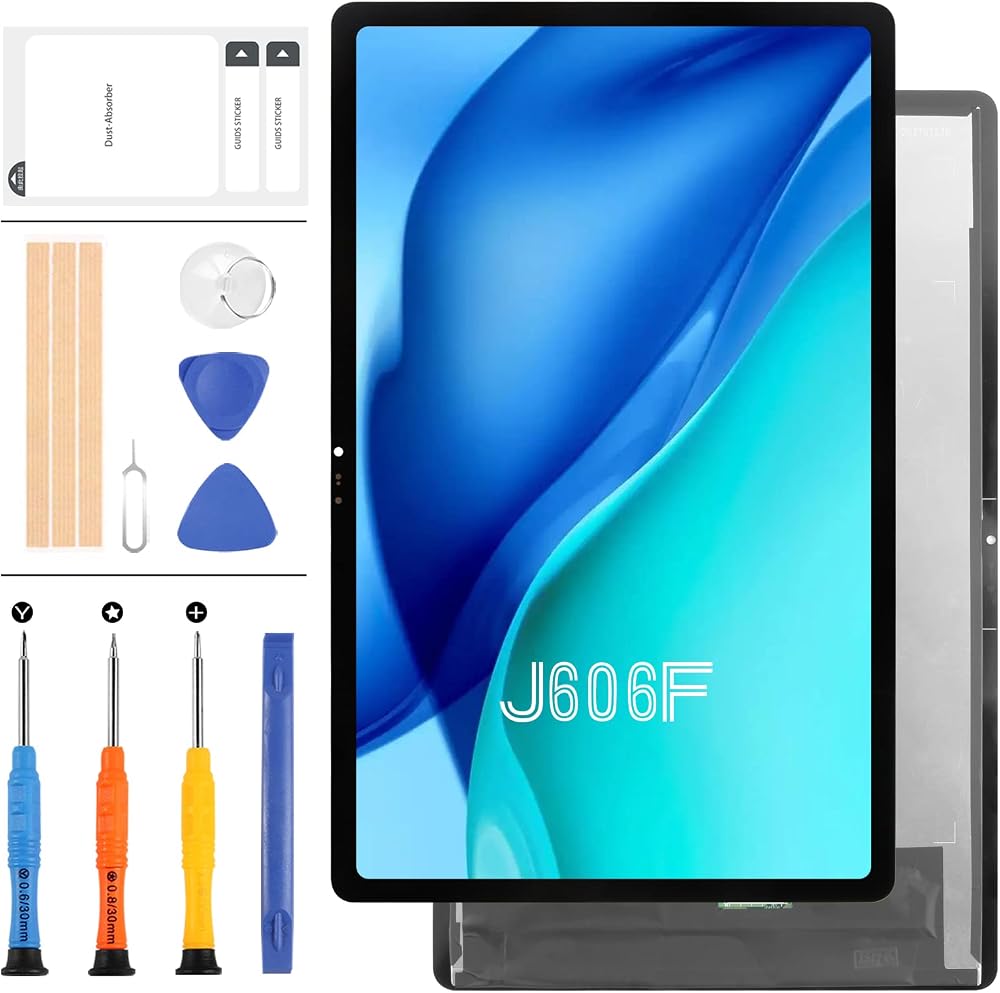
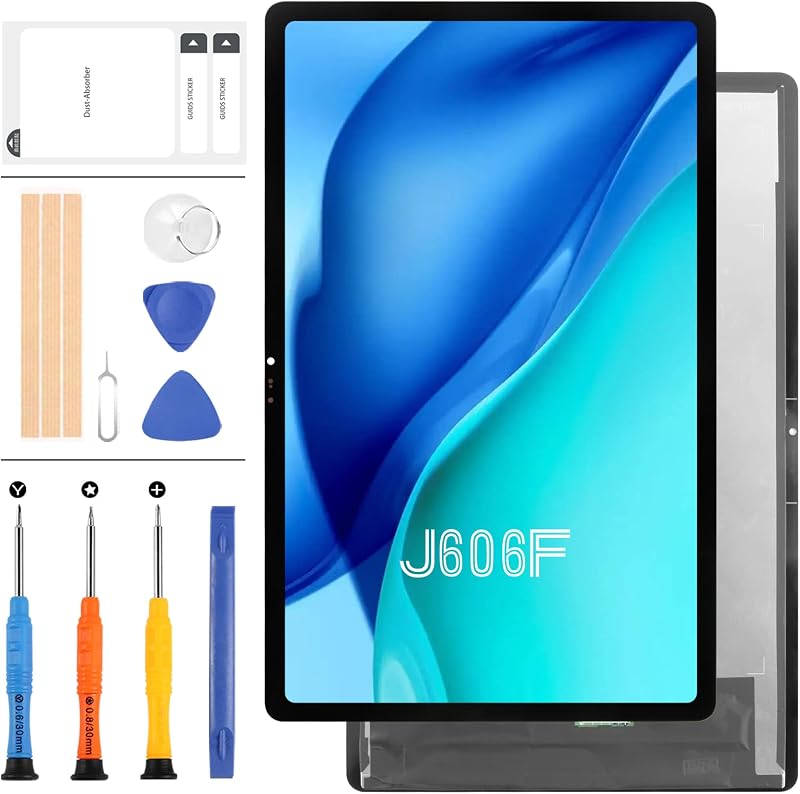
LADYSON Lenovo Tab P11 J606F J606N J606 P11 Plus LCD Touch Screen Digitizer

3 interest-free payments of £24.78 · subject to eligibility
Next-day deliveryFREE
Order by 2pm for same-day dispatch
Standard UK DeliveryFREE — get it by Mon 26 Oct – Thu 29 Oct
Sold by Bubble Booth ✓ (1)


 +
+



Delivery
Details
About this item
This replacement LCD display and touch screen digitizer assembly is designed for the Lenovo Tab P11 TB-J606F, TB-J606N, TB-J606, and P11 Plus models. Restore your device with this high-quality screen component.
Key Features
- Compatibility: Designed for Lenovo Tab P11 (TB-J606F, TB-J606N, TB-J606) and P11 Plus models.
- Component: LCD Display Touch Screen Digitizer Assembly.
- Function: Ideal for replacing old, broken, cracked, or damaged screens.
- Quality Check: Each item undergoes inspection and is confirmed to be in good condition before dispatch.
- Included: Comes with necessary tools for installation.
- Color: Black.
Important Installation Notes
Professional installation is highly recommended. We will not be responsible for any damage once the screen has been installed.
Pre-Installation Testing
- Testing is Crucial: Before final installation, conduct a thorough test. Do not remove protective films or labels during this stage.
- Static Discharge: Always connect an ESD (electrostatic discharge) belt to the ground before attempting any repair to prevent damage to your device's electronics.
- Safety First: Wear eye protection to prevent injury from glass splinters.
Test Simulation Procedure
Screen replacement is a delicate process. We strongly recommend performing a test simulation:
- Separate the tablet (motherboard + LCD/screen).
- Connect the display cable and the new replacement screen.
- Power on and test its functionality (display, touch response).
- If the test is successful, proceed with installation. If the screen does not function, do not force installation. Any issues identified during testing should be addressed before proceeding.
Cable Care
- Avoid Over-Bending: Ensure the LCD cable is not bent excessively. Bending beyond 90 degrees can cause a black display.
Details
Compare sellers (1)
Every offer is covered by UKyard buyer protection and 30-day returns.
Condition Brand new
Free UK delivery · 3–5 days
Get it by Mon 26 Oct – Thu 29 Oct
Customer reviews
No reviews yet — reviews come only from verified UKyard buyers.
Sign in to review a product you've bought.
You might also like
ZAHARA
ZAHARA 30Pin LCD LVDS LED Video Screen Flex Cable for Lenovo IdeaPad V15 G2 G3
SRJTEK
SRJTEK For Teclast M40 Touch Screen Digitizer Panel 10.1 Inch Black With Frame
SRJTEK
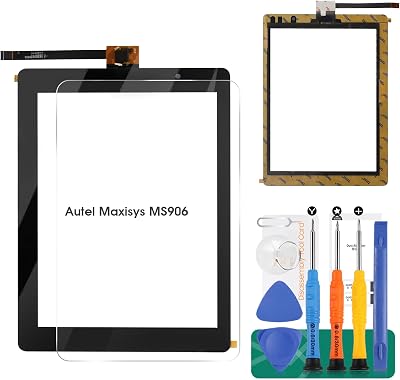
SRJTEK Touch Screen Digitizer for AUTEL MaxiSYS MS906 MS906TS MS906BT 8 Inch
LADYSON
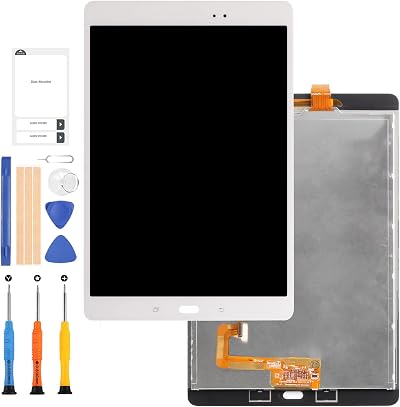
LADYSON White LCD Display Screen for Samsung Galaxy Tab A 9.7 P550 SM-P555 P550N
LADYSON
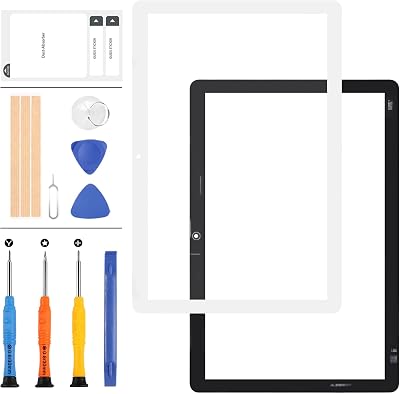
LADYSON 10.1" Huawei MediaPad T5 10 AGS2-W09HN L09 Touch Screen Glass Panel
ZAHARA
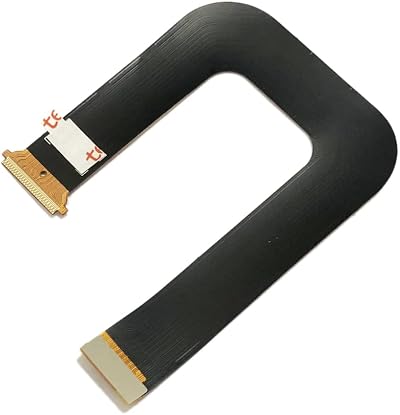
ZAHARA LCD FPC Connector Motherboard Flex Cable for Huawei MediaPad M3 Lite 10
LADYSON
LADYSON TB-X103 TB-X103F Touch Screen Digitizer 10.1" Lenovo Tab 3 10 Plus
Fleshy Leaf
Fleshy Leaf DC Power Jack Harness Cable for Dell G3 15 17 3379 3579 3779
LADYSON
£74.33