Low Stock
1 / 8
Low Stock
1 / 8
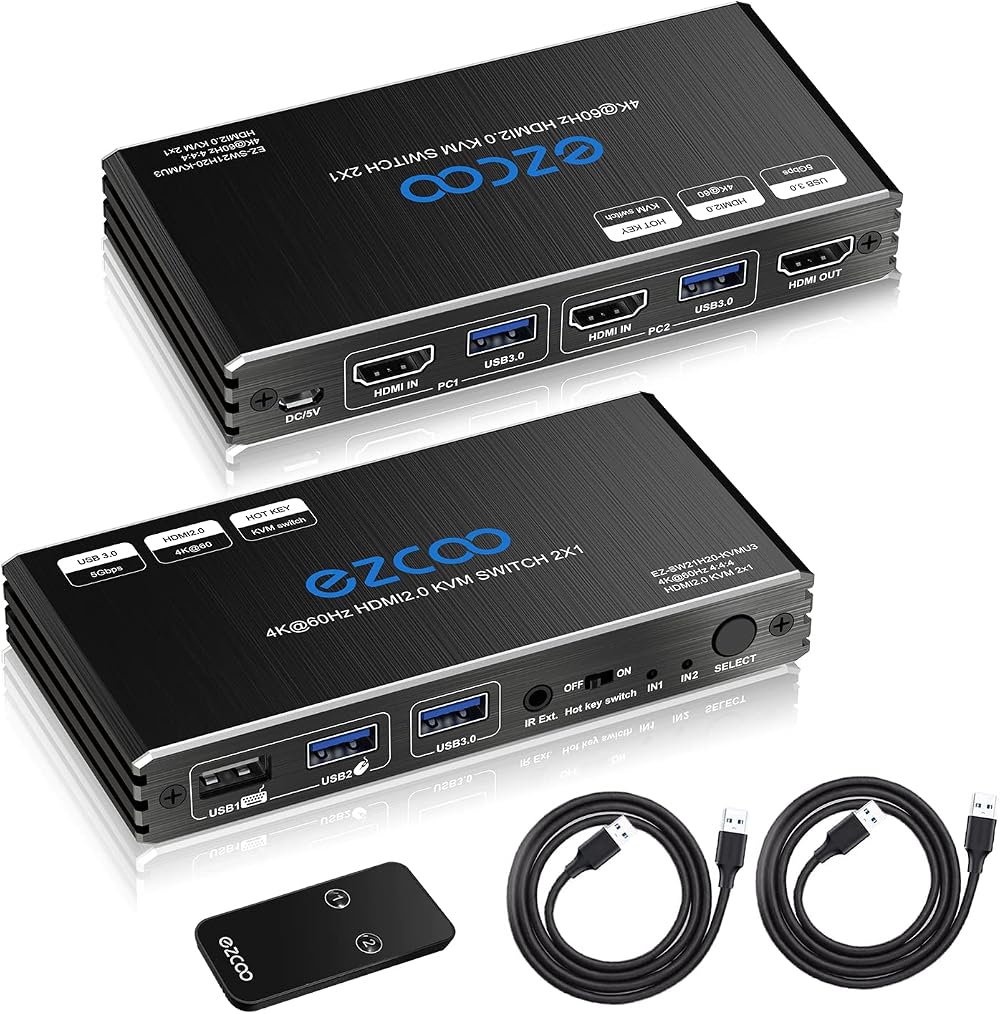
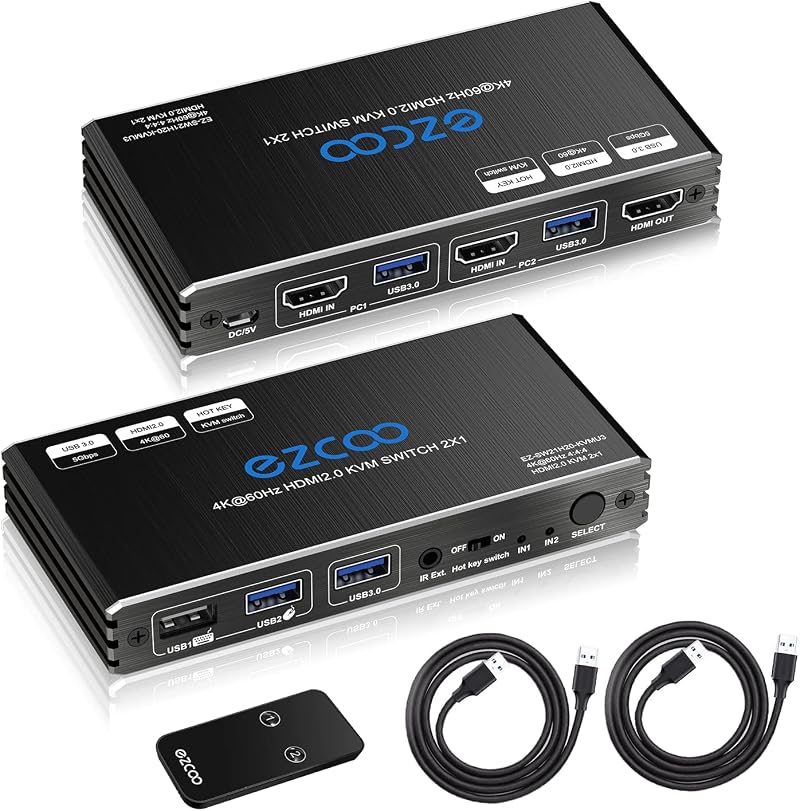
ROFAVEZCO 2-Port HDMI USB 3.0 KVM Switch 4K 60Hz HDR HDCP2.2 Remote Hotkey
OUT OF STOCK
Currently unavailable from our sellers.
Qty
1


 +
+




Notify me when back in stock
Delivery
Standard UK Delivery·3–5 daysFREE
Next Day UK Delivery·1 day·Free over £35£1.99
EU Delivery·7–14 days£12.99
Worldwide Delivery·14–28 days£19.99
Same-day dispatchOrder by 2pm, Mon–Fri
30-day returns30 days to change your mind
Buyer protectionEvery order covered
Secure paymentProcessed by Mollie
Details
About this item
ROFAVEZCO 2-Port HDMI 2.1 KVM Switch
Manage two computers with a single set of USB keyboard and mouse using this ROFAVEZCO 2-Port HDMI KVM Switch. Enjoy seamless switching via remote control, unit buttons, or keyboard hotkeys. Supports 4K 60Hz resolution, HDR, Dolby Vision, and HDCP 2.2 for a premium visual experience.
Key Features
- 2-Port HDMI KVM Switch: Control two HDMI signal sources from one display terminal.
- 4K 60Hz Resolution: Supports stunning 4K resolution at a smooth 60Hz refresh rate.
- HDR & Dolby Vision: Experience enhanced contrast and vibrant colors with HDR and Dolby Vision support.
- HDCP 2.2 Compliant: Ensures compatibility with protected content.
- USB 3.0 Connectivity: Includes USB 3.0 ports for high-speed peripheral sharing.
- Multiple Switching Options: Switch between computers using the included remote control, buttons on the unit, or keyboard hotkeys.
- Hotkey Functionality: Easily enable or disable hotkey switching for convenience.
- Easy Operation: Simple plug-and-play setup with included cables.
Specifications
- Brand: ROFAVEZCO
- Model: 2-Port HDMI KVM Switch
- Video Ports: HDMI 2.1
- Resolution Support: Up to 4K 60Hz
- Features: HDR, Dolby Vision, HDCP 2.2
- USB Ports: USB 3.0
- Switching Methods: Remote Control, Unit Buttons, Keyboard Hotkey
Package Contents
- 1 x HDMI KVM Switcher
- 1 x IR Extender Cable
- 1 x IR Remote Control
- 2 x USB 3.0 A-A Cables
- 1 x User Manual
- 1 x Micro-USB Power Cable
Operating and Connecting Instructions
- Connect HDMI signal sources to the HDMI KVM switch inputs using HDMI cables.
- Connect one HDMI display source to the HDMI switch output using an HDMI cable.
- Connect source devices to the HDMI KVM switch host ports with USB 3.0 Type-A to Type-B cables.
- Connect your keyboard and mouse to the HDMI KVM switch USB1 & USB2 ports.
- Switch between computers using the remote control, unit buttons, or keyboard hotkeys.
Keyboard Hotkey Switching
- Enable/Disable: Set the hotkey switch to 'ON' to enable or 'OFF' to disable.
- Basic Switching: Press the '*' button, then press '1' or '2', and release both simultaneously.
- Advanced Switching: Press 'Ctrl' twice, then press '1' or '2' to select the desired port (Ctrl+Ctrl + number).
- Reset Hotkey: If you encounter hotkey issues, press 'Ctrl+Ctrl+ESC' to reset.
Details
Customer reviews
No reviews yet — reviews come only from verified UKyard buyers.
Sign in to review a product you've bought.
You might also like
UGREEN
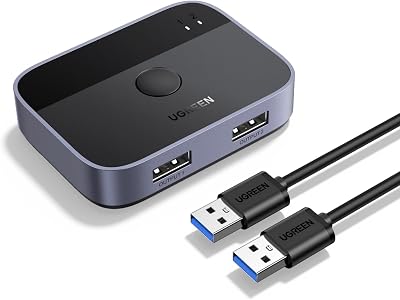
UGREEN USB 3.0 Switch 2 In 2 Out 2 Computers Share Keyboard Mouse Printer
£19.97
UGREEN
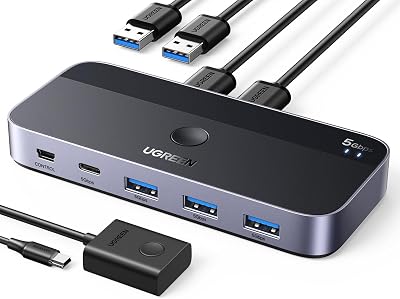
UGREEN USB 3.0 Switch 2 In 4 Out 3 USB A Cables Remote Sharing
£37.79
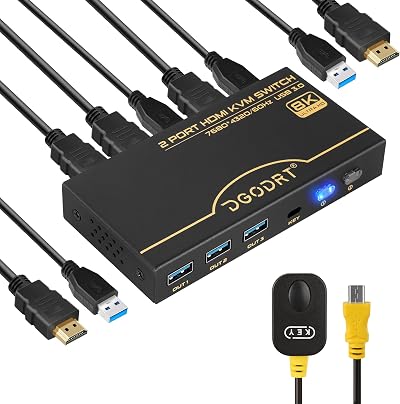
DGODRT
DGODRT 8K 60Hz HDMI KVM Switch 4K 120Hz 2 Port USB 3.0 for 2 Computers
£31.49
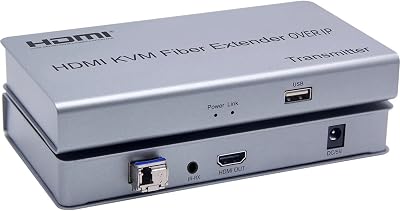
XYKJOBC
XYKJOBC HDMI KVM Fiber Extender OVER IP 20KM USB 2.0 KVM Keyboard Mouse Switch
£127.04
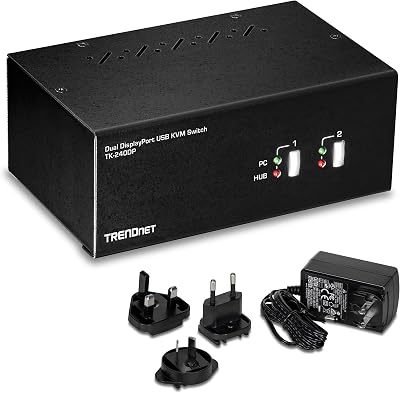
TRENDnet
TRENDnet TK-240DP 2-Port Dual Monitor DisplayPort KVM Switch USB 2.0 Hub 4K UHD
£206.89
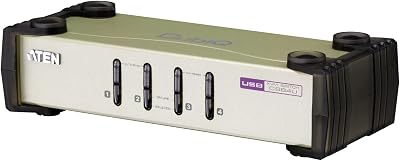
ATEN
ATEN CS84U 4 Port PS2 USB KVM Switch with 4x Custom Cables Metal
£107.10
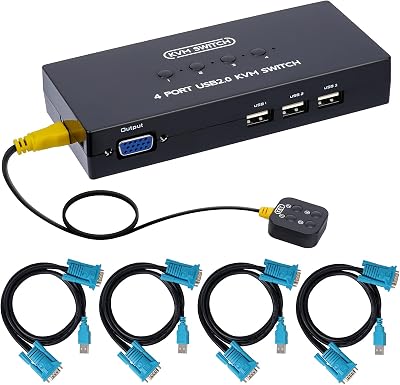
DGODRT
DGODRT 4 Port VGA KVM Switch 4 Computer Share 1 Monitor 3 USB Devices 1920x1440
£26.24
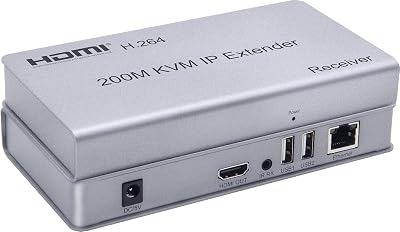
XYKJOBC
XYKJOBC 200M HDMI KVM IP Extender RJ45 CAT6 USB Keyboard Mouse Over Ethernet
£48.29
ROFAVEZCO
Unavailable