Low Stock
1 / 9
Low Stock
1 / 9
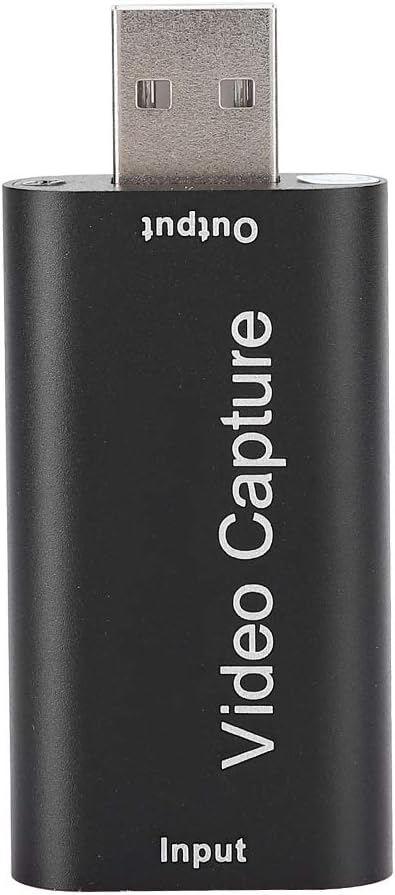
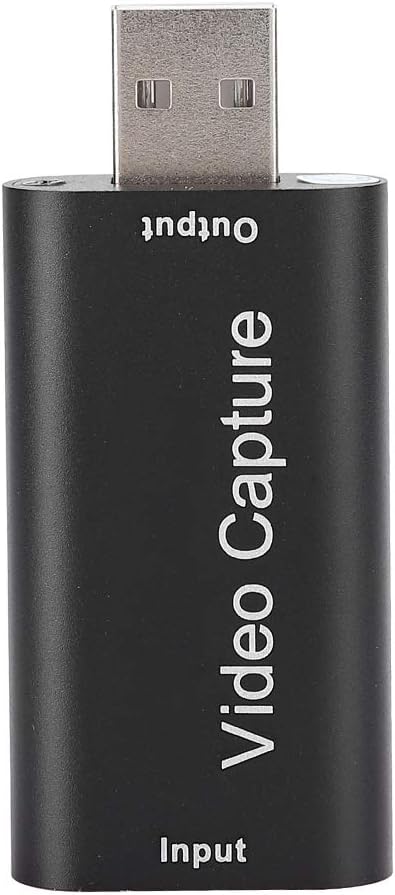
ciciglow USB 2.0 HDMI Video Capture Card 4K Input 1080P Output Live Broadcast
OUT OF STOCK
Currently unavailable from our sellers.
Qty
1


 +
+




Notify me when back in stock
Delivery
Standard UK Delivery·3–5 daysFREE
Next Day UK Delivery·1 day·Free over £35£1.99
EU Delivery·7–14 days£12.99
Worldwide Delivery·14–28 days£19.99
Same-day dispatchOrder by 2pm, Mon–Fri
30-day returns30 days to change your mind
Buyer protectionEvery order covered
Secure paymentProcessed by Mollie
Details
About this item
ciciglow HDMI Video Capture Card
The ciciglow USB 2.0 capture card allows simultaneous capture of HDMI video and audio, transmitting signals to your computer or smartphone for preview and storage. It is ideal for high-definition acquisition, teaching recordings, and video production.
Key Features
- Captures HDMI video and audio simultaneously.
- Transmits signals to a computer or smartphone for preview and storage.
- Supports maximum input resolution of 4K.
- Supports maximum output resolution of 1080P.
- Supports 8/10/12-bit color depth.
- Compatible with standard AWG26 cable for input transmission distances up to 15 meters (1080P and below).
Specifications
- Brand: ciciglow
- Material: Metal
- Color: Black
- Weight: Approximately 52g
- Dimensions: Approximately 64 x 28 x 16mm / 2.5 x 1.1 x 0.6in
- HDMI Resolution: Highest input supports 4K
- Video Input Format: 8/10/12-bit color depth
- Video Output Mode: YUV, JPEG
- Video Output Resolution: Maximum 1080P
- Audio Format Support: L-PCM
- Input Cable Length: ≤15 meters, AWG26 HDMI standard cable
- Maximum Working Current: 0.4A / 5VDC
- Operating Temperature Range: -10 to +55℃
Connection and Operation
- Connect your UHD signal source to the HDMI input port of the USB capture card using an HDMI cable.
- Plug the USB male connector of the capture card into a USB port on your computer.
- For OBS: Open the software, add a new source, select 'video capture device', set the screen size, select 'studio mode' (dual window), and click 'start recording'.
Package Includes
- 1 x HDMI Video Capture Card
- 1 x Instruction Manual
Details
Customer reviews
No reviews yet — reviews come only from verified UKyard buyers.
Sign in to review a product you've bought.
You might also like
Elgato
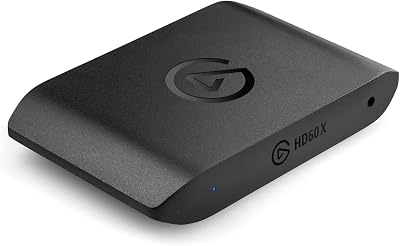
Elgato HD60 X Capture Card 1080p60 HDR10 4K30 Pass-Through Ultra-Low Latency
£205.82
Energetic
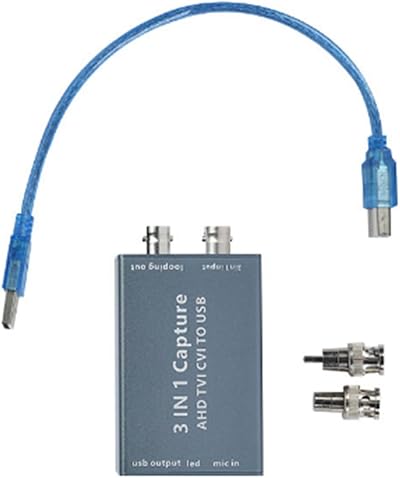
Energetic AHD to USB 3.0 Video Recording Card 1080P 30FPS HD Live TVI CVI CVBS
£65.96
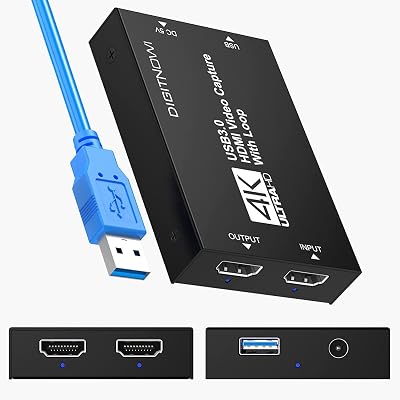
VIXLW
VIXLW 4K HDMI Capture Card USB 3.0 1080p 60FPS for PS5 Xbox PC Streaming
£23.09
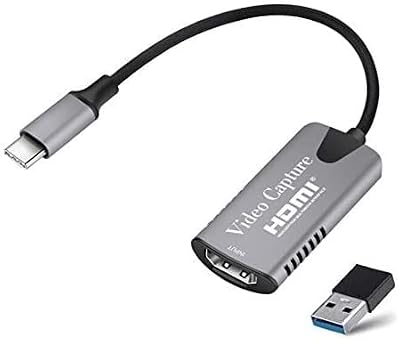
Zhongkaifa
Zhongkaifa 4K HDMI to Type-C Video Capture Card 1080P USB-C Game Live Broadcast
£19.48
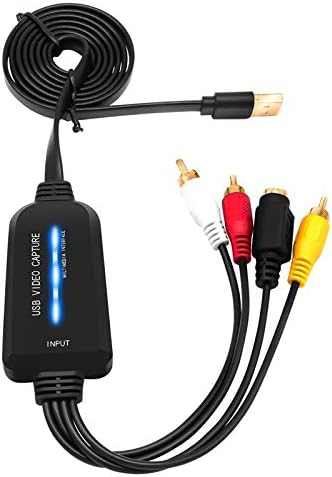
Uinfhyknd
Uinfhyknd USB 2.0 Video Capture Card Single Channel AV Digital Converter
£12.04
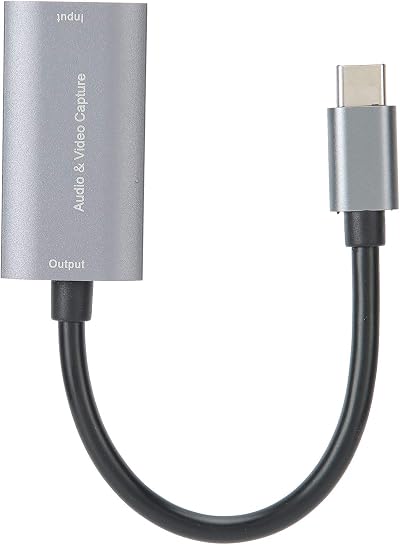
Dilwe
Dilwe TypeC HDMI 4K 1080P Video Capture Card for Mobile Game Console Live
£27.98
Blackmagic Design
Blackmagic Design UltraStudio 3D Thunderbolt 2K HD 3D Capture Playback SDI HDMI
£507.14
POMIACAM
POMIACAM VGA Capture Card USB 2.0 Video Audio Converter HD 1080P Linux Android
£48.30
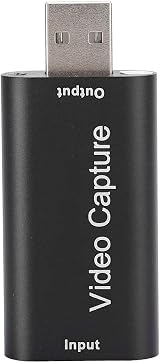
ciciglow
Unavailable