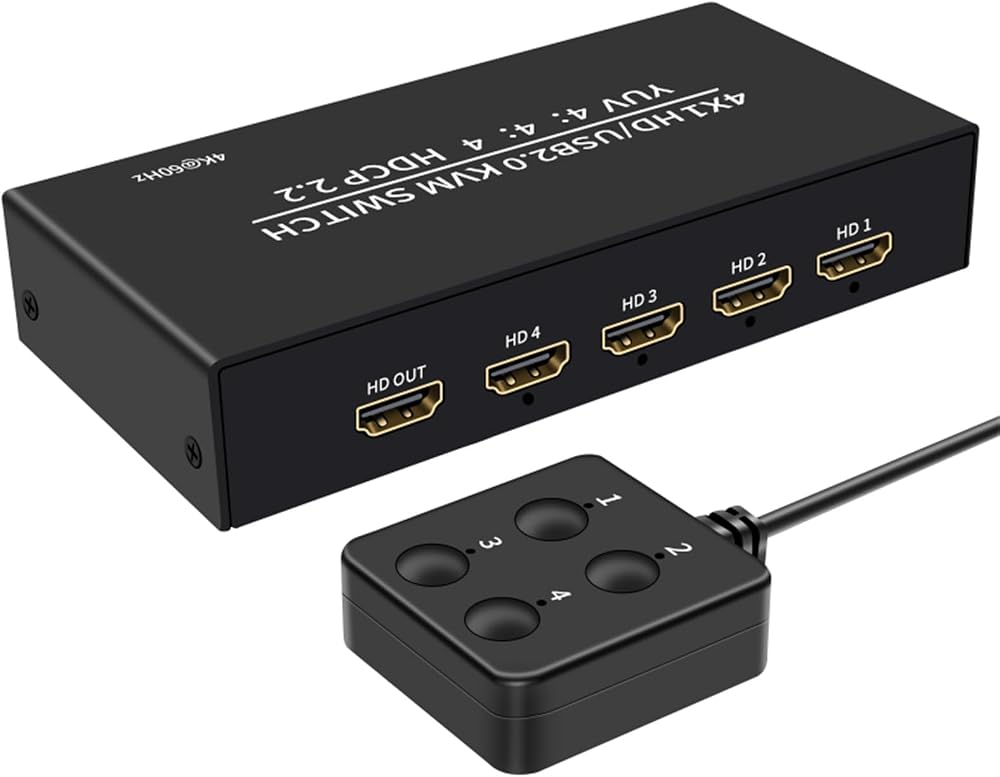
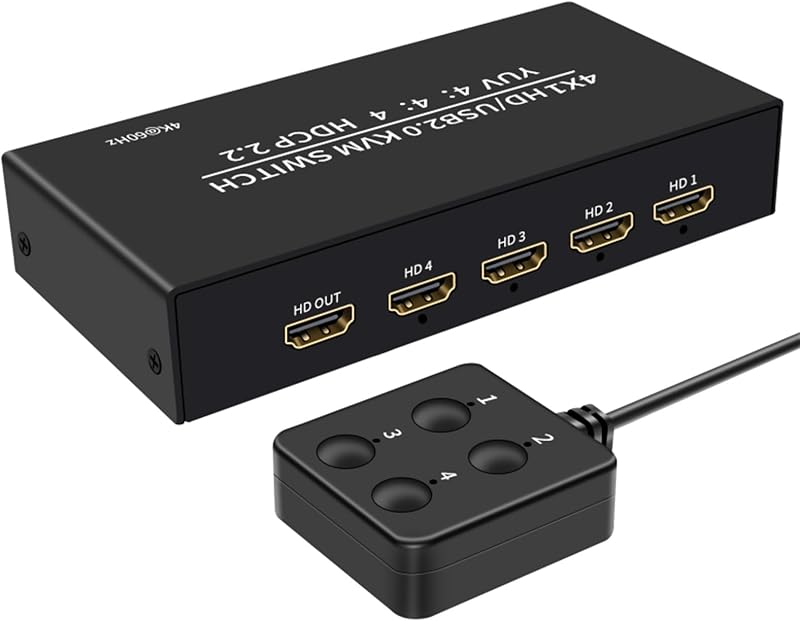
XYKJOBC 4x1 HDMI USB KVM Switch 4K HDCP2.2 Keyboard Mouse Monitor PC Splitter
3 interest-free payments of £16.10 · subject to eligibility
Next-day deliveryFREE
Order by 2pm for same-day dispatch
Standard UK DeliveryFREE — get it by Mon 26 Oct – Thu 29 Oct
Sold by Bubble Booth ✓ (1)


 +
+



Delivery
Details
About this item
This XYKJOBC 4x1 KVM Switch allows you to control up to four computers using a single set of keyboard, mouse, and monitor. Designed for efficiency, this switch is suitable for various environments including office, education, and entertainment. It helps streamline your workspace by reducing equipment clutter and enhancing productivity.
Key Features
- 4-in-1-out Configuration: Connect and control four host computers from one console.
- High Definition Video: Supports resolutions up to 4K x 2K with HDCP2.2 and YUV 4:4:4 for crisp, clear visuals.
- USB 2.0 Sharing: Share USB peripherals like printers and USB drives among connected computers.
- Multiple Switching Modes: Easily switch between hosts using either the integrated push button or the included desktop controller.
- Durable Construction: Features an elegant and robust aluminium alloy housing.
- Efficient Powering: The unit can be powered directly from the host computer via its USB connection, eliminating the need for an external power supply (model comes standard without separate power supply).
- Wide Compatibility: Compatible with HDTVs and PC monitors.
Specifications
- Brand: XYKJOBC
- Model: 201HA
- Input Interfaces (Per Host): HDMI + Type-C
- KVM Control Ports: 4x USB-A (for mouse/keyboard/peripherals), 1x HDMI (for monitor output)
- HDMI Resolution: 4Kx2K (up to 3840x2160)
- HDCP Support: HDCP2.2
- Video Color Format: YUV 4:4:4
- USB Standard: USB 2.0
- Switching Mode: Push button / Desktop controller
- Housing Material: Aluminium alloy
Installation Steps
For optimal performance, please follow these installation guidelines:
- Connect each host computer to the KVM switch using TYPE-C and HDMI cables. Ensure all four hosts are connected if utilizing the full 4-in-1-out capability.
- Insert your USB memory sticks, USB printers, and other USB devices into the available USB-A ports on the KVM console.
- Plug your mouse and keyboard into their dedicated ports on the KVM console.
- Connect your monitor or TV to the HDMI video output port of the KVM console.
- Power on your monitor or TV.
- Power on your first host computer. Allow it to fully boot into its operating system and ensure the mouse and keyboard are operational.
- Use the desktop controller or the 'select' button on the KVM switch to switch to the next host and power it on. Repeat for all connected hosts.
- You can then seamlessly switch between hosts using the 'select' button or desktop controller.
Details
Compare sellers (1)
Every offer is covered by UKyard buyer protection and 30-day returns.
Condition Brand new
Free UK delivery · 3–5 days
Get it by Mon 26 Oct – Thu 29 Oct
Customer reviews
No reviews yet — reviews come only from verified UKyard buyers.
Sign in to review a product you've bought.
You might also like
UGREEN
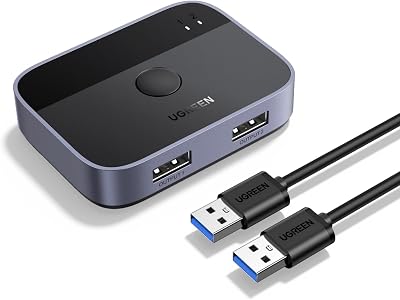
UGREEN USB 3.0 Switch 2 In 2 Out 2 Computers Share Keyboard Mouse Printer
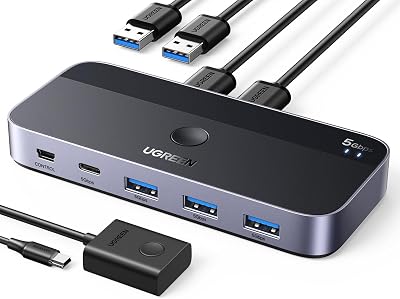
UGREEN
UGREEN USB 3.0 Switch 2 In 4 Out 3 USB A Cables Remote Sharing
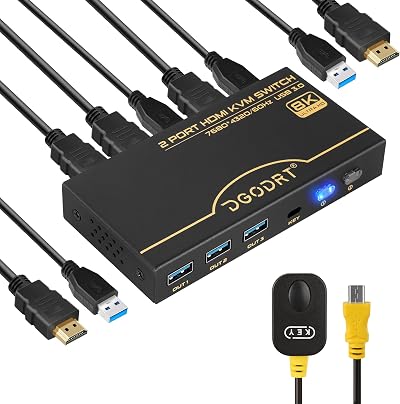
DGODRT
DGODRT 8K 60Hz HDMI KVM Switch 4K 120Hz 2 Port USB 3.0 for 2 Computers
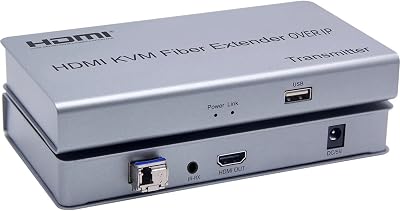
XYKJOBC
XYKJOBC HDMI KVM Fiber Extender OVER IP 20KM USB 2.0 KVM Keyboard Mouse Switch
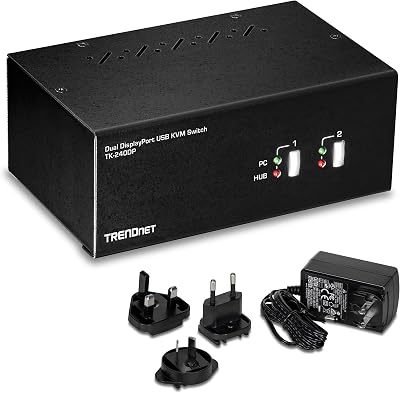
TRENDnet
TRENDnet TK-240DP 2-Port Dual Monitor DisplayPort KVM Switch USB 2.0 Hub 4K UHD
ATEN
ATEN CS84U 4 Port PS2 USB KVM Switch with 4x Custom Cables Metal
DGODRT
DGODRT 4 Port VGA KVM Switch 4 Computer Share 1 Monitor 3 USB Devices 1920x1440
XYKJOBC
XYKJOBC 200M HDMI KVM IP Extender RJ45 CAT6 USB Keyboard Mouse Over Ethernet
XYKJOBC
£48.30