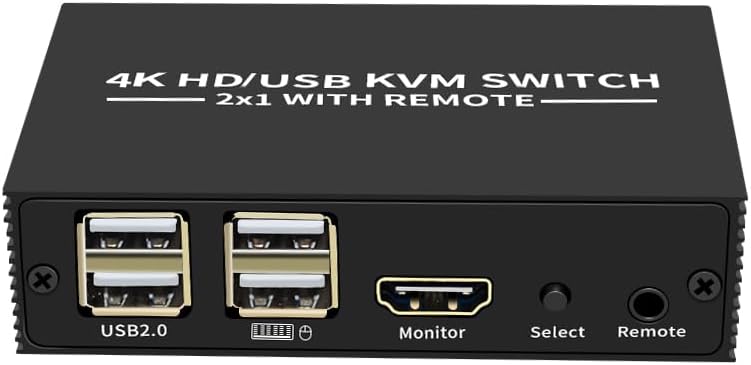
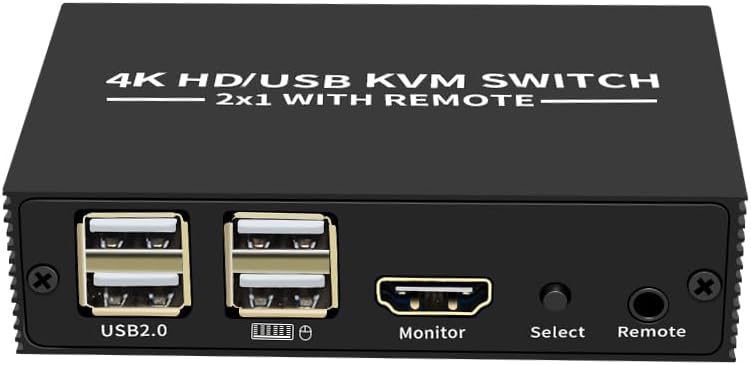
XYKJOBC 4K HD USB KVM Switcher 2 In 1 Out HDMI Type-C Share Monitor Printer
Next-day delivery · £1.99
Order by 2pm for same-day dispatch · FREE over £35
Standard UK DeliveryFREE — get it by Mon 26 Oct – Thu 29 Oct
Sold by Bubble Booth ✓ (1)


 +
+



Delivery
Details
About this item
XYKJOBC 4K HD USB KVM Switcher - Efficiently Share Peripherals Between Two Computers
Streamline your workspace with the XYKJOBC 201HA KVM Switcher. This device allows you to control two computers using a single set of mouse, keyboard, and a 4K HD monitor. It is ideal for office, teaching, entertainment, and military environments, significantly boosting your work efficiency by saving time, money, and equipment.
Note: This model does not include a power adapter. Power is supplied through the USB connection from the host computers.
Key Features
- Resolution: Supports up to 4Kx2K HDMI resolution for crisp visuals.
- Input: Dual HDMI + Type-C inputs for flexible connectivity.
- Shared Peripherals: Allows sharing of USB 2.0 devices such as printers, USB discs, and other hard disk recorders (DVRs).
- Switching Modes: Easily switch between computers via push button or desktop controller.
- Durable Construction: Features an aluminium alloy housing for longevity.
- USB Ports: Equipped with 4 USB-AF ports for connecting your mouse, keyboard, and other USB devices.
Installation Steps
- Connect each host computer to the KVM switch using separate TYPE-C and HDMI cables.
- Connect USB devices (memory sticks, printers, etc.) to the HUB1 and HUB2 ports on the KVM console.
- Connect your mouse and keyboard to the designated mouse and keyboard ports on the KVM console.
- Connect your monitor or TV to the HDMI video port on the KVM console.
- Power on your monitor.
- Power on the first host computer and ensure it fully boots into the operating system. Once the mouse and keyboard are detected and functional, you can then power on the second host computer.
- Use the push button or desktop controller to switch between hosts.
Specifications
- Brand: XYKJOBC
- Model: 201HA
- Input Interface: HDMI + Type-C
- Number of Inputs: 2
- Control Port: USB-AF*4 / HDMI
- HDMI Resolution: 4Kx2K
- Switching Mode: Push button, Desktop controller
- Housing Material: Aluminium alloy
Details
Compare sellers (1)
Every offer is covered by UKyard buyer protection and 30-day returns.
Condition Brand new
Free UK delivery · 3–5 days
Get it by Mon 26 Oct – Thu 29 Oct
Customer reviews
No reviews yet — reviews come only from verified UKyard buyers.
Sign in to review a product you've bought.
You might also like
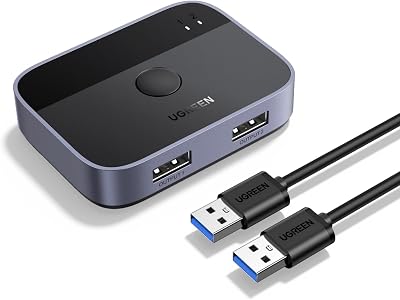
UGREEN
UGREEN USB 3.0 Switch 2 In 2 Out 2 Computers Share Keyboard Mouse Printer
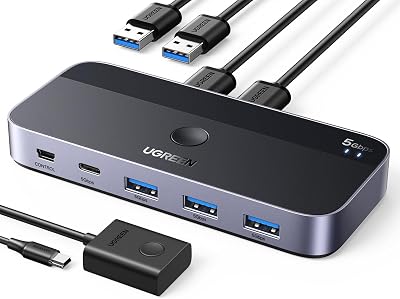
UGREEN
UGREEN USB 3.0 Switch 2 In 4 Out 3 USB A Cables Remote Sharing
DGODRT
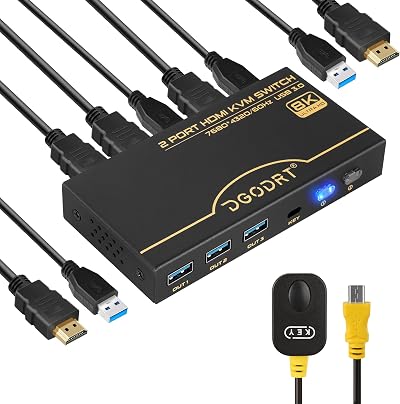
DGODRT 8K 60Hz HDMI KVM Switch 4K 120Hz 2 Port USB 3.0 for 2 Computers
XYKJOBC
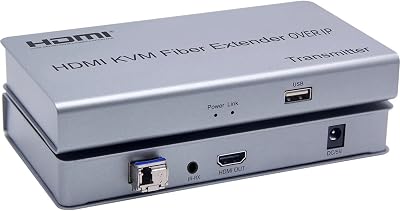
XYKJOBC HDMI KVM Fiber Extender OVER IP 20KM USB 2.0 KVM Keyboard Mouse Switch
TRENDnet
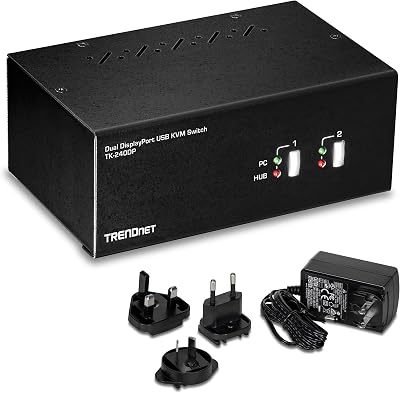
TRENDnet TK-240DP 2-Port Dual Monitor DisplayPort KVM Switch USB 2.0 Hub 4K UHD
ATEN
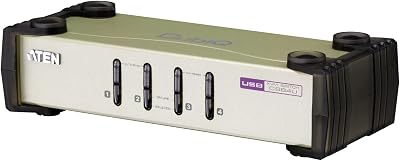
ATEN CS84U 4 Port PS2 USB KVM Switch with 4x Custom Cables Metal
DGODRT
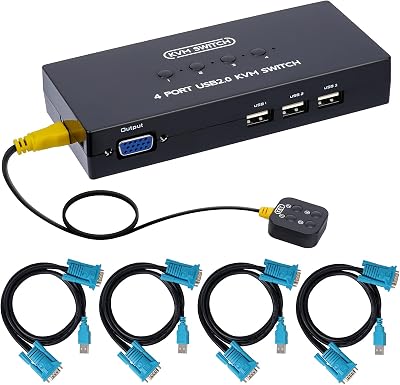
DGODRT 4 Port VGA KVM Switch 4 Computer Share 1 Monitor 3 USB Devices 1920x1440
XYKJOBC
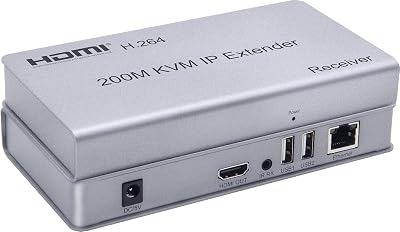
XYKJOBC 200M HDMI KVM IP Extender RJ45 CAT6 USB Keyboard Mouse Over Ethernet
XYKJOBC
£25.19